
Ex-pro Halo gamer Ninja has a loyal following of thousands of gamers. He streams a variety of games including PUBG.
Let’s take a look at his settings:
Ninja PUBG Settings
Ninja Graphics Settings
Resolution: 1920 X 1080FpsCameraFov: 103Brightness: 50Anti-Aliasing: VERY LOWPost-Processing: VERY LOWShadows: MEDIUMTexture: MEDIUMEffects: VERY LOWFoliage: VERY LOWView Distance: MEDIUM
Note: Ninja also plays using the Deuteranopia Colorblind Type setting, so some of the red elements in the game appear to be yellow.
Ninja Mouse Sensitivity Settings
Invert Mouse: NOGeneral Sensitivity: 36VehicleDriver Sensitivity: 38Targeting Sensitivity: 25Scoping Sensitivity: 25Scope2X Sensitivity: 26Scope4X Sensitivity: 25Scope8X Sensitivity: 19Scope15X Sensitivity: 16
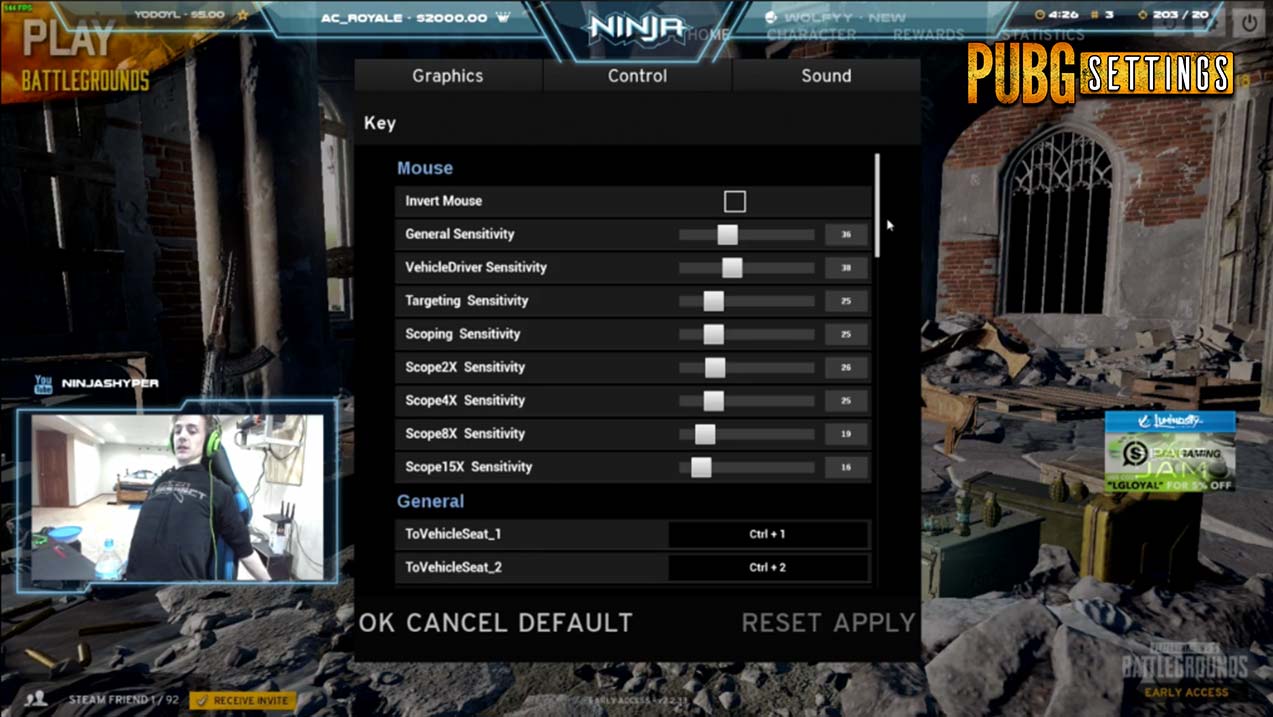
Ninja uses a mouse DPI setting of 800 and a Polling Rate of 500.
Does Ninja Use ReShade?
Nope, Ninja doesn’t use ReShade, but he uses the NVIDIA Control Panel’s “Digital Vibrance” setting to make the colors in PUBG pop (check out our article on How to Access your NVIDIA Control Panel if you don’t know how).
Ninja NVIDIA Control Panel Settings
(coming soon)
Ninja Setup and Gear
Headphones: Beyerdynamic DT 990 Pro
Mouse: Razer DeathAdder Elite
Keyboard: Corsair Gaming K70
Monitor: BenQ XL2411Z
Ninja PC Specs
CPU: Intel – Core i7-6850K 3.6GHz 6-Core Processor
GPU: EVGA – GeForce GTX 1080 8GB FTW Gaming ACX 3.0 Video Card
Motherboard: MSI – X99A GAMING PRO CARBON ATX LGA2011-3 Motherboard
RAM: Corsair – Vengeance LPX 32GB (2 x 16GB) DDR4-3200 Memory
Hard Drive: Intel – 750 Series 1.2TB PCI-E Solid State Drive
Power Supply: EVGA – SuperNOVA G2 850W 80+ Gold Certified Fully-Modular ATX Power Supply
CPU Cooler: Corsair – H100i GTX 70.7 CFM Liquid CPU Cooler
Case: be quiet! – Dark Base Pro 900 (Black/Orange) ATX Full Tower Case


Leave a Reply